The Fastest Way to Add Gifts While You Browse
Save gifts to your wishlist as you shop with the free Add to GiftList extension for Chrome, Safari and Firefox on desktop.
 Add to Chrome
 Add to Safari
 Add to Firefox
Firefox 142 or later. Installation help
How It Works
Set up the button once and use it whenever you find a gift.
Install the extension
Install on Chrome, Safari or Firefox on your computer. Pin GiftList to the toolbar for easy access.
Browse & click
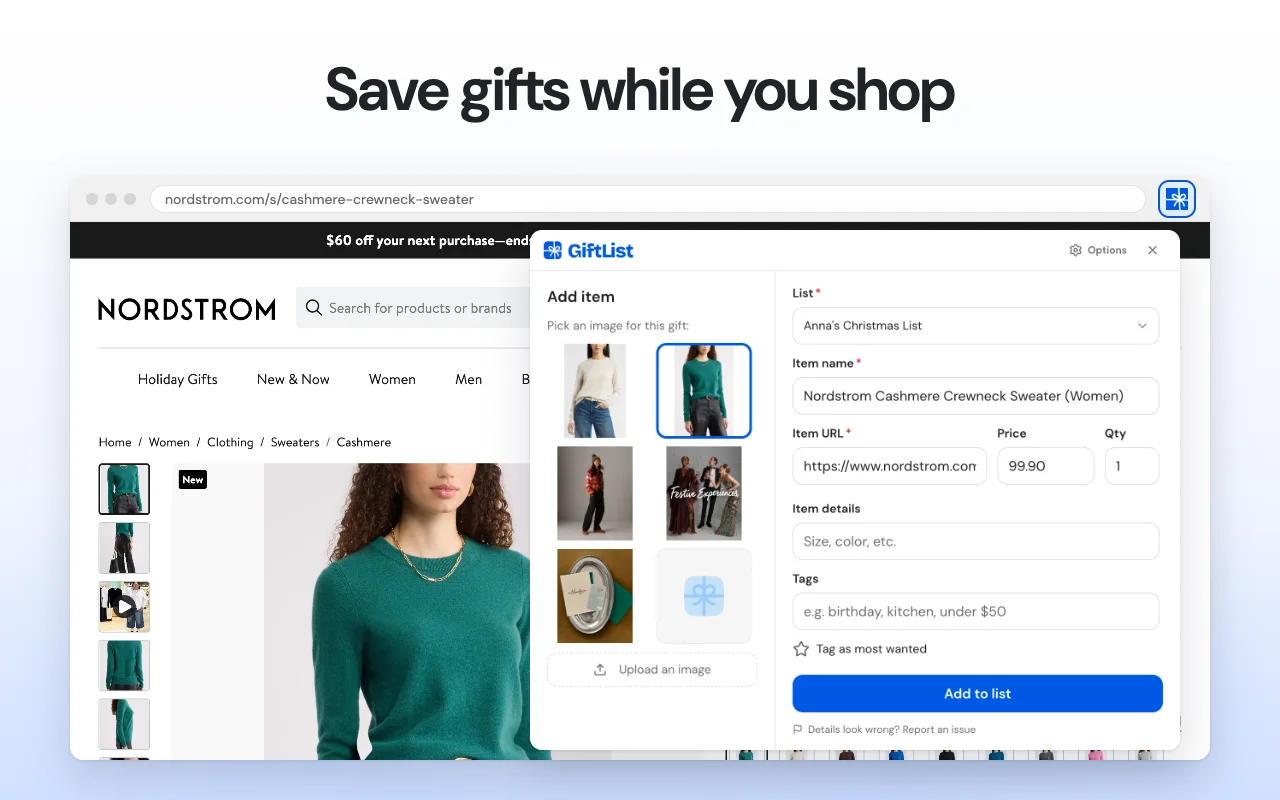
Find something you like and click the GiftList icon. Check the product details before saving.
Save to your list
Choose a list, add any notes for gift-givers and select Add to list.
Watch how it works (2 min)
Review the details before you save
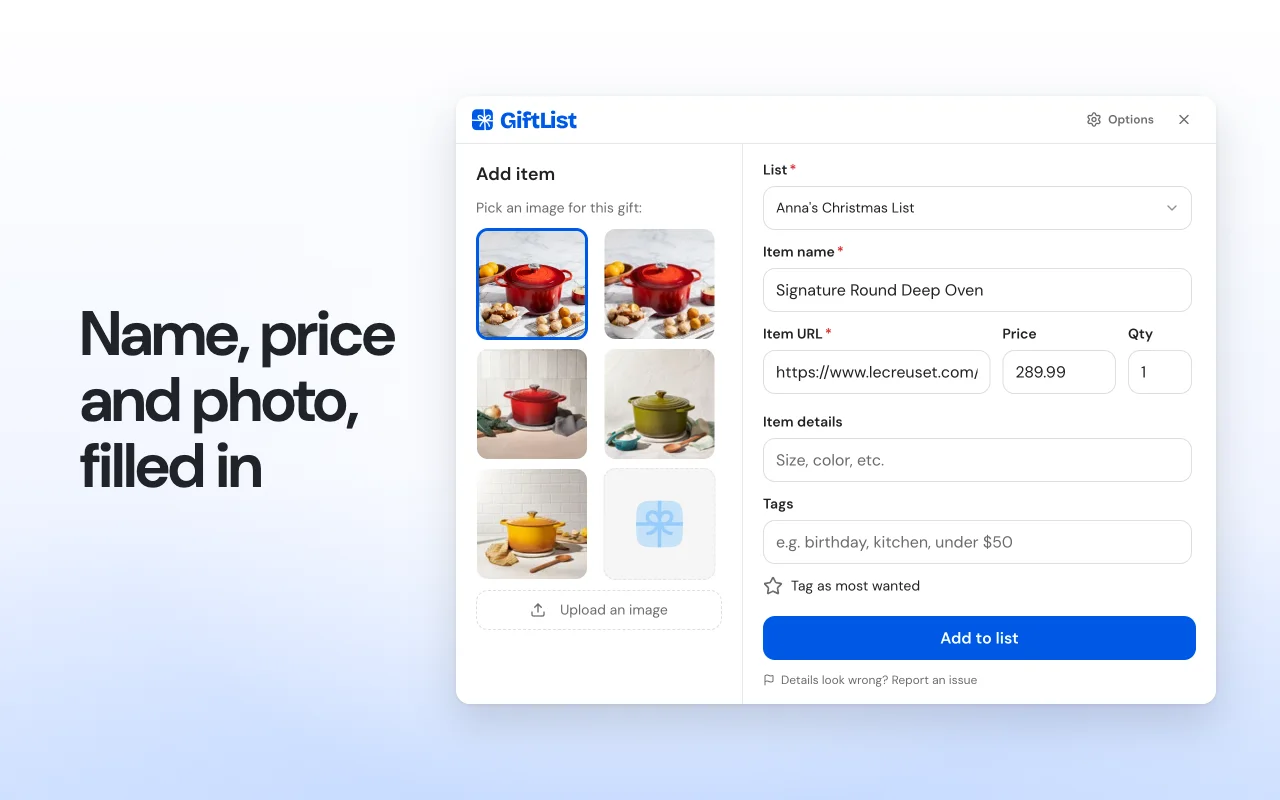
When product details are available, GiftList fills them in. You can edit the name, pick a different photo or leave a note for your gift-givers.
- ✓Save as you browse. Open GiftList from the toolbar while you’re on a product page.
- ✓Shop across stores. Keep gifts from Amazon, Etsy, Target and small shops together on one list.
- ✓Choose your list. Pick which gift list to save to, add notes for your gift-givers, and toggle "most wanted" — all from the extension popup.
- ✓Editable details. GiftList fills in the name, price and photo when available. You can edit them before saving.
One list. Any store.
Add gifts from any site. Paste a product link to fill in details when available, or add an item yourself.

Gifts from 1,000s of brands added to GiftList
Start adding gifts in seconds
Install the free extension on your computer to save gifts while you shop.
Don't have an account yet? Sign up free