
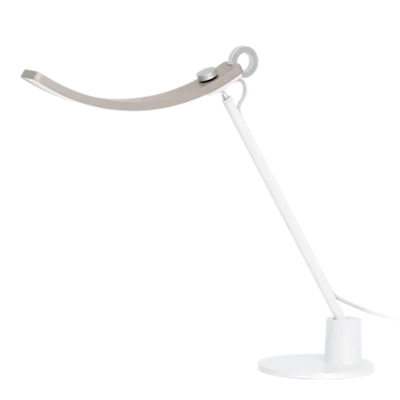
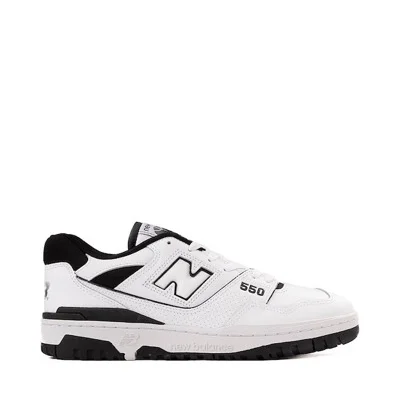
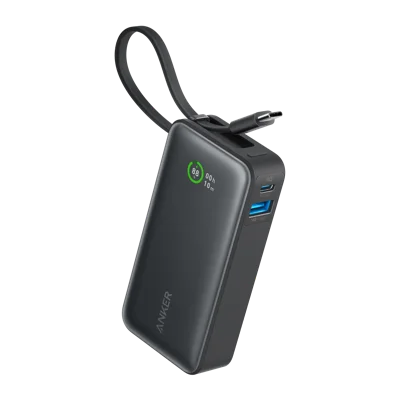
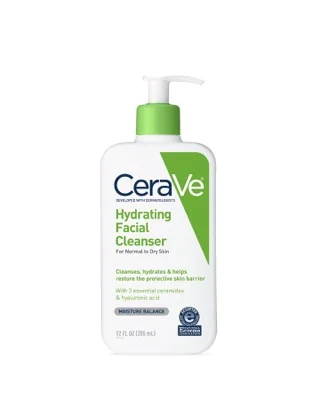

















What is a back to school list?
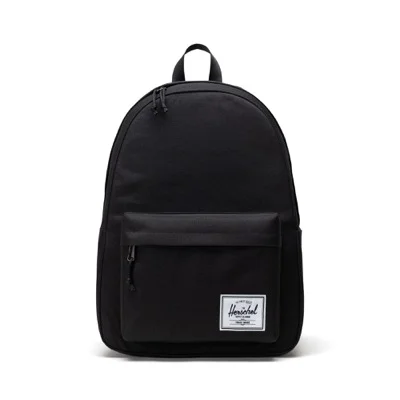
A back to school list is a shareable wishlist of everything a student needs for the new school year, all collected in one place. Instead of juggling a paper school supply list from the teacher, a few open browser tabs, and screenshots texted around the family, you build one organized list with backpacks, notebooks, a graphing calculator, new shoes, and a laptop side by side. GiftList is a 100% free back to school list maker with no item limits, no premium tiers, and no credit card required, so the whole list stays open and shareable all year.
Because GiftList is universal, your back to school list is not locked to a single store. Paste a link from Amazon, Target, Best Buy, or any website worldwide and GiftList auto-fills the title, price, and image, or add manual items like a fee or a contribution that do not need a link at all. You can mark the items that matter most as Most Wanted so family knows what to buy first, add custom tags to group supplies by subject or by kid, and set each list to Public, Private, or Friends-only.
Why use GiftList for your back to school wishlist?
GiftList makes it easy to share the school supply list with everyone who wants to help. Send one link by text, email, or social media, and parents, grandparents, aunts, and uncles can open it and shop right away with no account required to view, reserve, or buy. When someone reserves or buys an item it is quietly marked off for other gift-givers, so two relatives never grab the same backpack, while the surprise stays intact if you want it to.
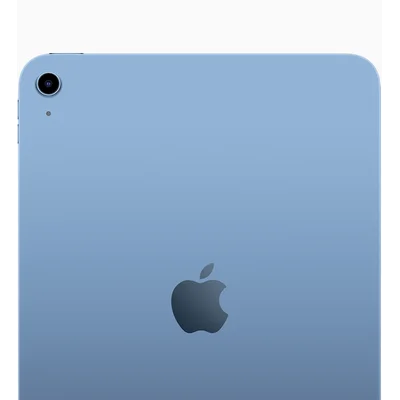
For the bigger back to school expenses, GiftList lets several people chip in together. Enable group gifting on a pricey item like a laptop or tablet so family can pool money toward it, or add a cash fund toward something larger such as a new wardrobe or activity fees. There are no fees and no middleman: link a payment account you already use, like Venmo, PayPal, Zelle, or Cash App, and contributions go directly to you while GiftList tracks who chipped in and how close you are to the goal.
How do you build and share a school supply list?
Start by creating a free list for the school year, then add items from anywhere. Paste product links on the web, or use the browser extension and mobile in-app browser to save supplies in one click as you shop. You can also add manual items with no link, which is perfect for classroom fees, a teacher supply request, or a contribution toward a big purchase. Add a range of price points so every gift-giver, from a grandparent to a classmate's parent, can find something that fits their budget.
Once the list is ready, share it with a single link and let family help from anywhere. Teachers and classroom parents can use the same approach to coordinate a shared supply list for a whole class, so contributors can see what is already covered and avoid duplicate donations. Use Most Wanted to flag the essentials, drag-and-drop to reorder, and add custom tags to keep a multi-kid household organized. Because GiftList works across web, iOS, Android, and the browser extension, your back to school list stays in sync everywhere.